AI AIMBOT + PrefireBot + TriggerBot
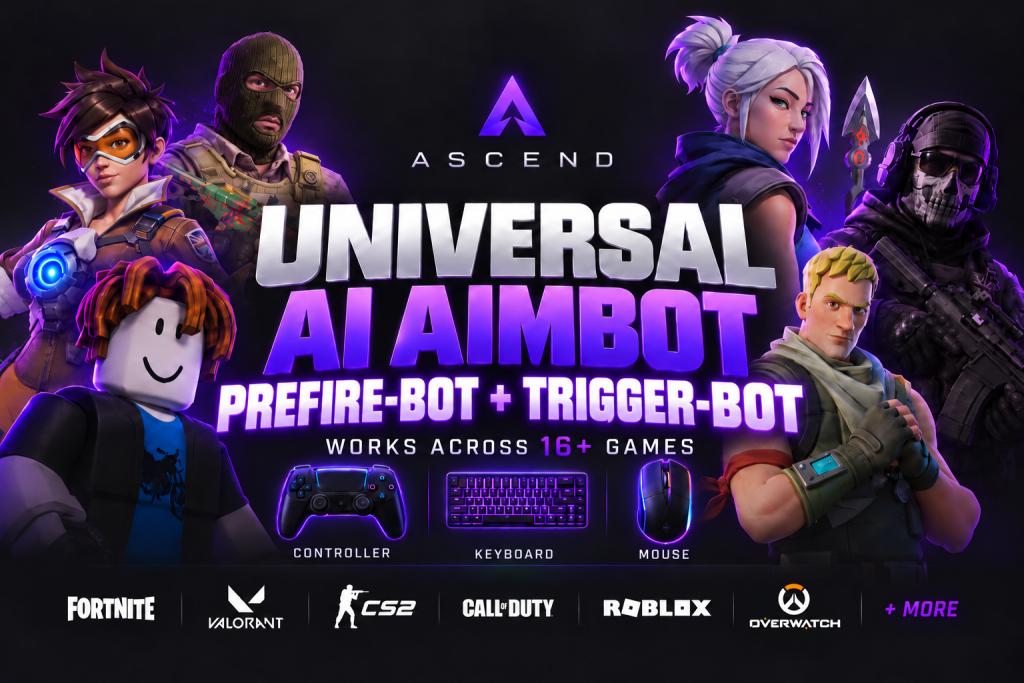
AI-powered real-time target detection with individually adjustable aim assist and triggerbot. Choose your game, adjust aim point, strength, speed, and trigger behavior, and save your setup as a personal profile.
- Regelmäßige Updates
- Sofort-Download
- Schneller Support
Beschreibung
Ascend AI AIMBOT is a powerful Windows application for precise target detection in supported PC games. Specially tuned AI models analyze the game in real time, detect relevant targets, and assist you with a flexibly configurable aiming aid.
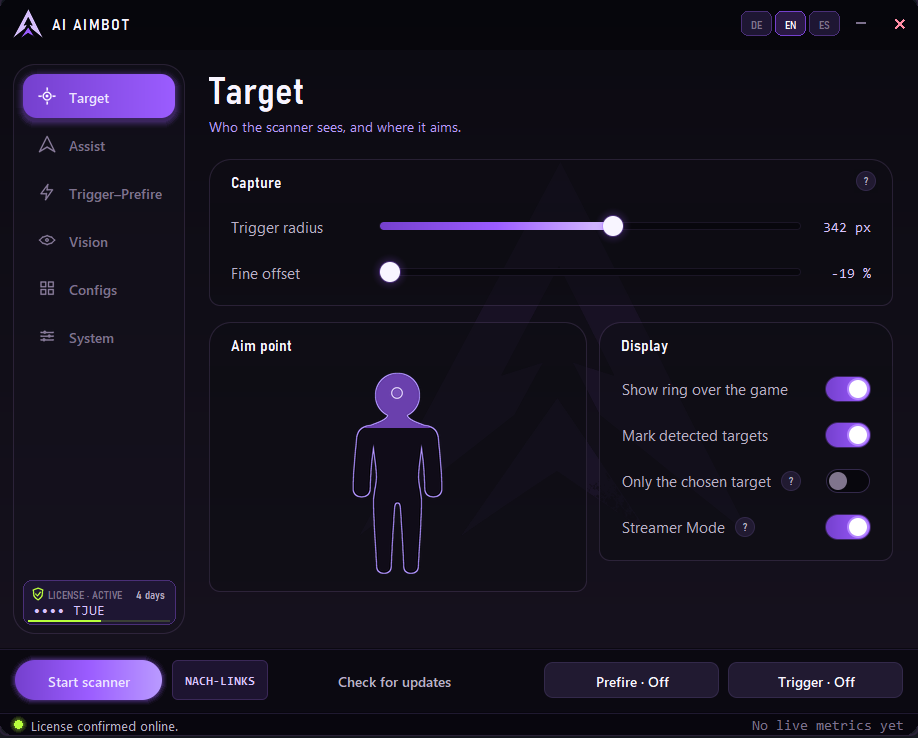
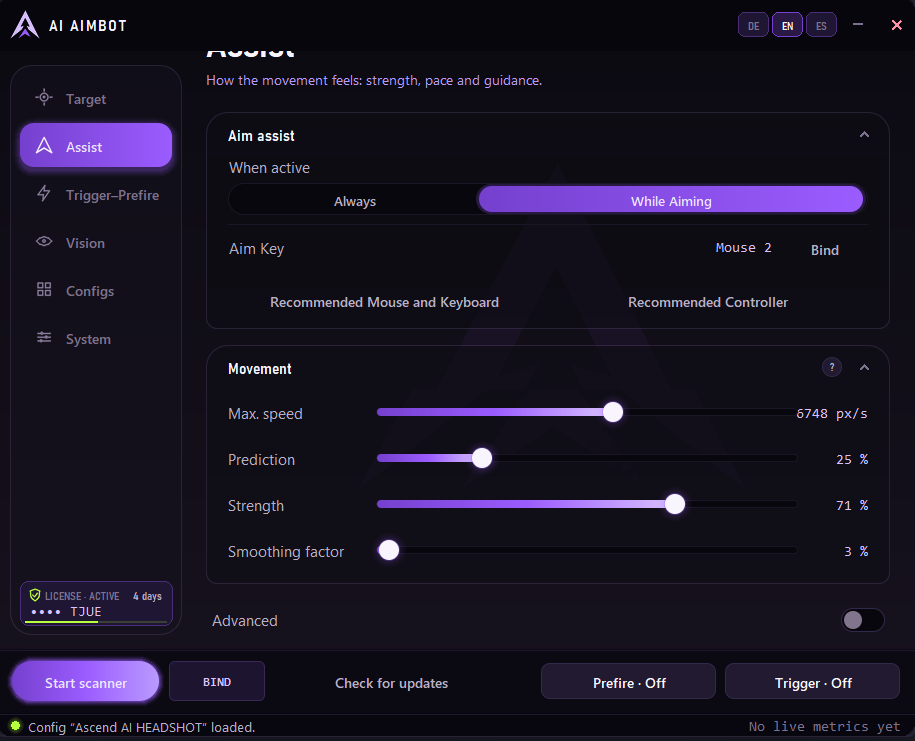
You decide how the assistance should feel – from smooth and controlled to direct and responsive. Strength, field of view, aim height, smoothing, movement prediction, aim brake, and many other parameters can be precisely tuned to your game and personal playstyle.
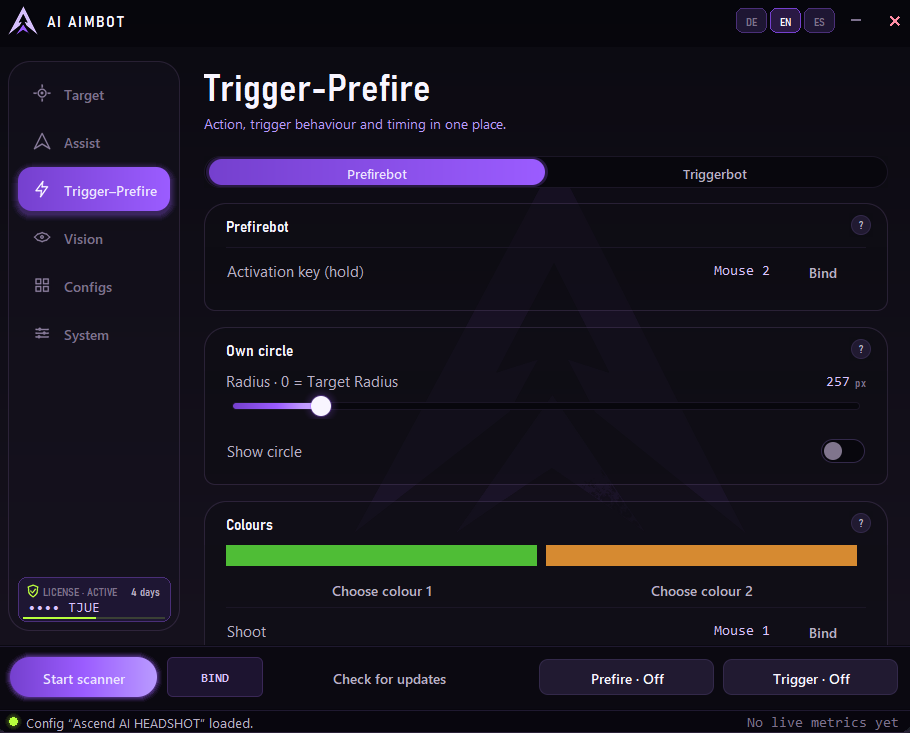
The integrated triggerbot can automatically trigger a mouse action or a freely selectable key combination as soon as a detected target enters the defined area. Trigger behavior, delay, pulse duration, and cooldown are fully configurable.
Key features include:
AI-based real-time target detection
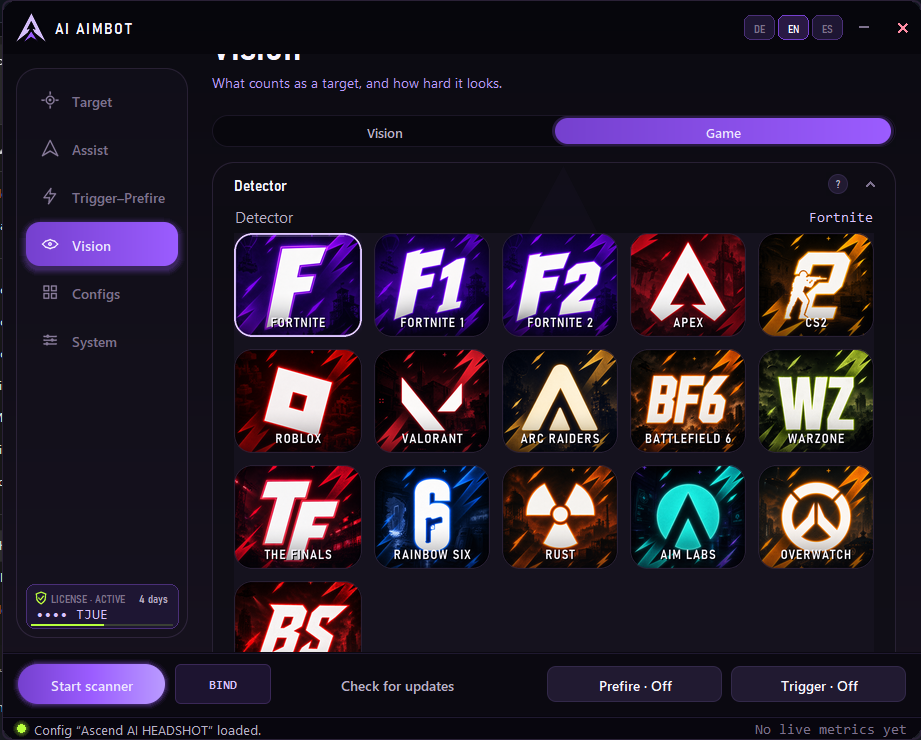
Game-optimized detection models
Adjustable aim assist with multiple guiding modes
Triggerbot with freely selectable action and precise timing
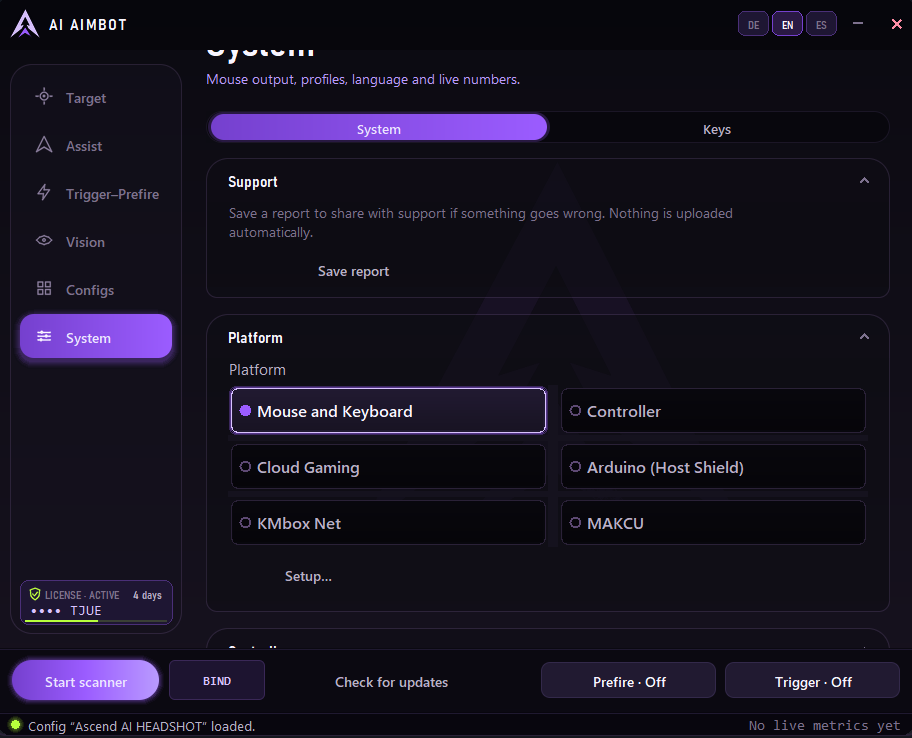
Output via mouse, compatible hardware, or virtual controller
Adjustable aim height, FOV, strength, and movement prediction
Live overlay with aim points, detection frames, and action zones
Saveable and transferable configuration profiles
Interface available in German, English, and Spanish
Optimized for Windows 10 and Windows 11
Ascend AI AIMBOT combines detection, aim assist, and trigger functions in a clear, intuitive application – fully customizable and designed for various games and playstyles.
Unterstützte Geräte
-
PC
- Maus & Tastatur
- Controller
- Xbox-Controller am PC
- PlayStation-Controller am PC
Nur für Windows-PC mit Windows 10 oder Windows 11. Nicht für Konsolen geeignet.
Du spielst mit Controller oder mit Maus & Tastatur. Bei einer Custom Config wählst du deine Eingabemethode und verlinkst ein Video deiner Fortnite-Settings.
Die Anzahl gleichzeitig erlaubter Geräte richtet sich nach deiner ausgewählten Lizenz.
Wann beginnt meine Laufzeit?
Zeitlich begrenzte Optionen sind Abonnements: Der erste Zeitraum beginnt mit bestätigter Zahlung und verlängert sich automatisch um die gewählte Laufzeit. Kündige vor der nächsten Verlängerung in deinem Konto. Lifetime ist ein Einmalkauf ohne Verlängerung.
Wie erhalte ich meine Bestellung?
Nach bestätigter Zahlung wird die Bestellung automatisch verarbeitet. Die Bestätigungsseite zeigt den Status und die verfügbaren Downloads oder Lizenzen. Nutze beim Kauf die E-Mail-Adresse deines Kontos, um die Bestellung dort wiederzufinden.
Passt das Produkt zu meinem Setup?
Prüfe die Produktbeschreibung und die Dokumentation auf unterstützte Funktionen und Voraussetzungen. Bei offenen Fragen hilft dir der Support vor dem Kauf.